
Sep 17
Customizable Booking Form Field
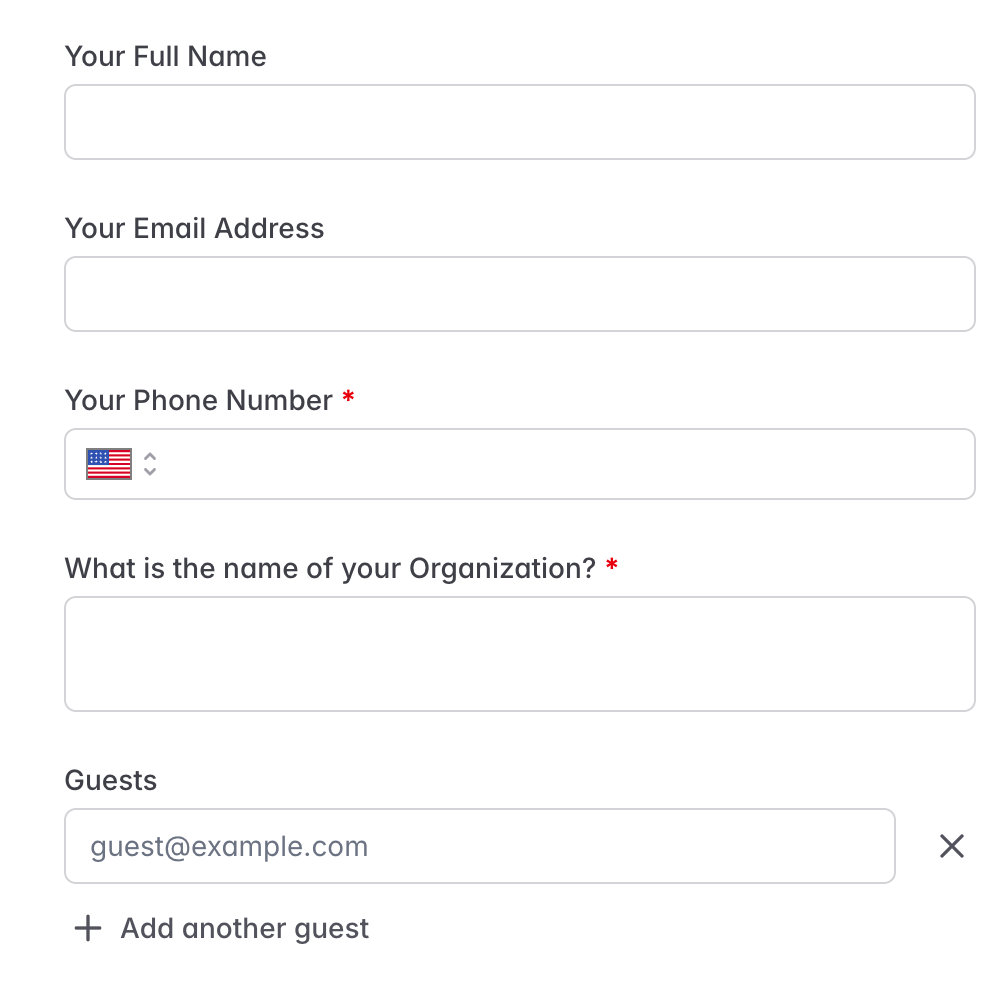
Since our Sales team is booking the first Onboarding meeting on behalf of our clients, it would be great to be able to customize the "Your Full Name" into "Client's Full Name" so that it doesn't confuse the Account Executive into thinking that they should add their information into those fields rather than the client's information.
For example, our Customer Support team currently receives a booking form that says:
Your Full Name: Michael Scott
Your Email Address: michael.scott@dundermifflin.com
But this isn't correct because it makes us believe that our new client is one of our Sales staff. It should be something like this:
Client's Full Name: John Doe
Your Email Address: johndoe@clientcompany.com
Then, it would be clearer that our Account Executive is meant to add themselves as a guest to the meeting, but that the "Scheduler" is the client.
Pending
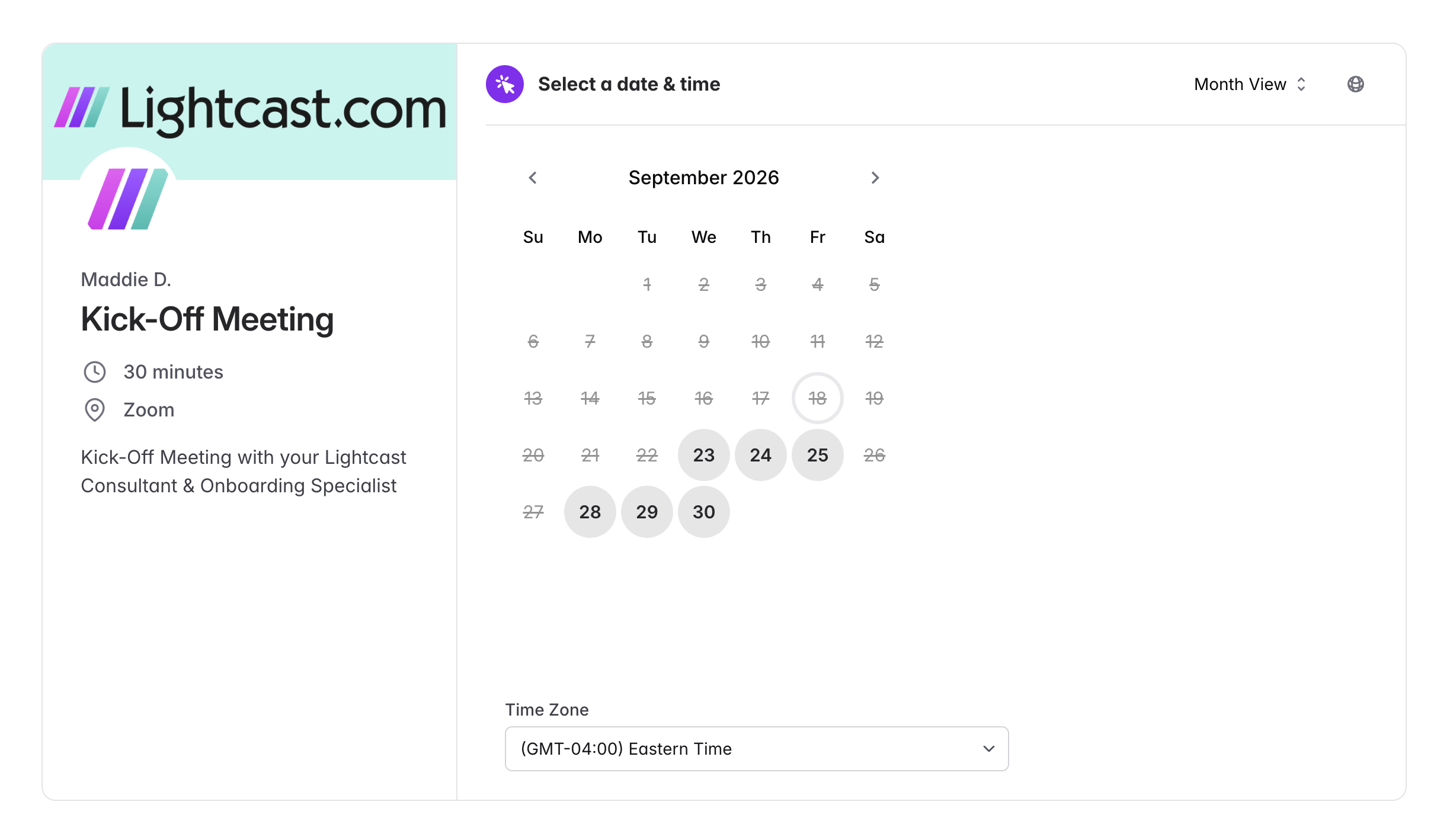
Hi there! I'd recommend checking out the "Book an event" flow for creating bookings on behalf of your clients. To get there, click on a link from the Scheduling Links page and then click "Book an event" in the top right. This form might be a little less confusing than submitting the public-facing link intended for the scheduler.