
- new feature
Infuse your brand into your scheduling links 🎨
Make your SavvyCal links your own with our newly-shipped branding settings! You can now customize the banner image, primary & accent colors, and theme (light or dark mode) to match your desired aesthetic.
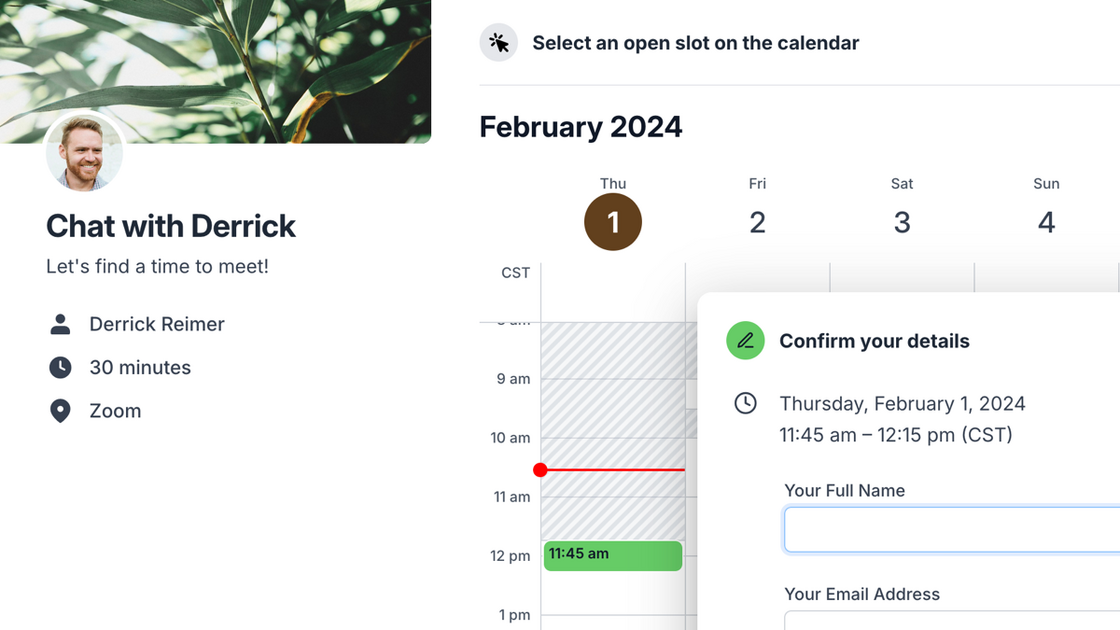
Head to Settings → Links → Branding to start customizing your settings. (You can also find these settings under the Branding button when previewing a scheduling link.)

Founder