
new feature
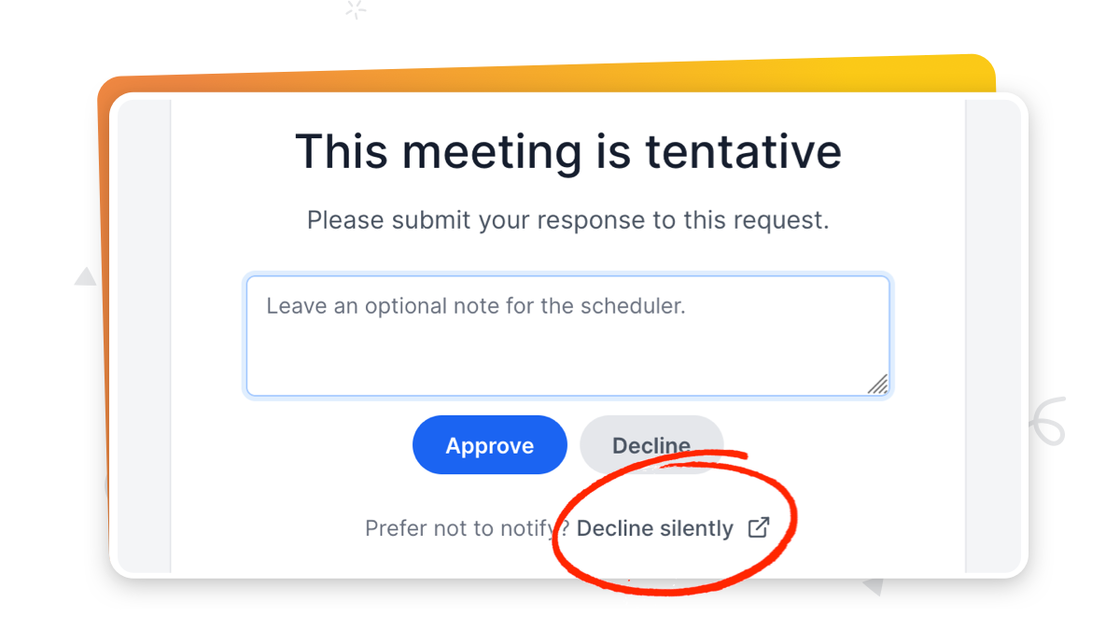
Decline events silently 🤫

Derrick ReimerFounder
You can now opt to decline events without notifying the user. In this case, the user will only receive notification that their event is "Tentative" when they book the event.
In addition, we've rearranged the Events page a bit to better accommodate events requiring approval:
-
When an upcoming event is awaiting approval, it will appear under the "Upcoming" tab (with a number indicating how many events need approval on that tab).
-
When an event is awaiting approval but the time slot has passed, it will move to the "Past" tab.
-
When you decline an event, it will move under the "Canceled" tab with a "Declined" label.
new feature