
improvement
Modify meeting polls after publishing 🗓

Derrick ReimerFounder
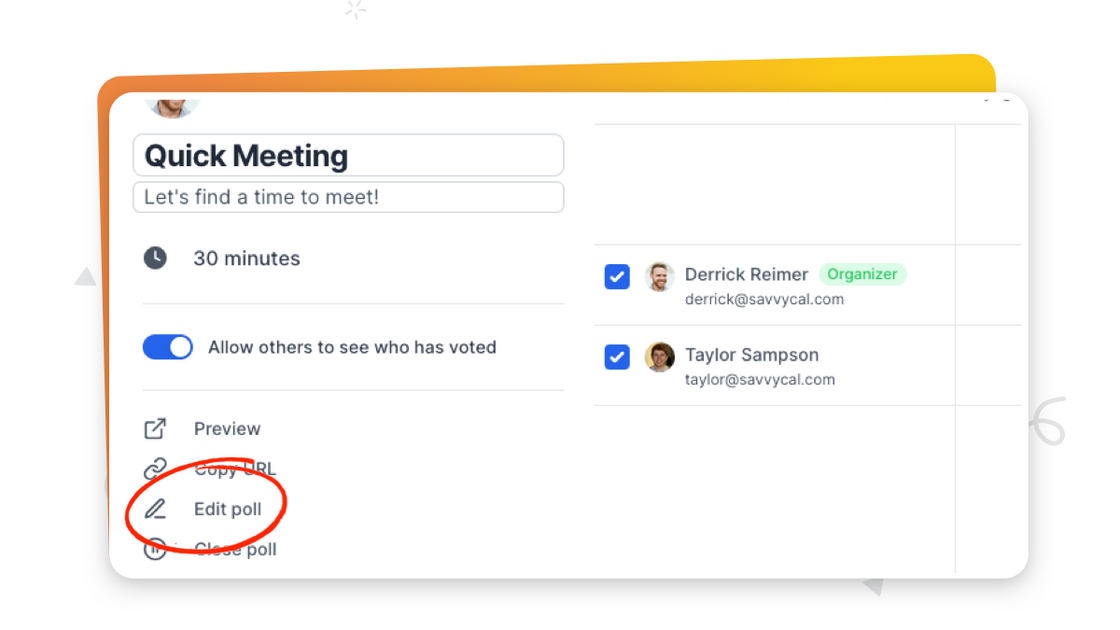
By popular demand, you can now modify poll slots after publishing your poll! To do so, click "Edit poll" in the sidebar of your published meeting poll.
When you remove slots that have been previously voted on, we'll hide those votes in the UI. Also, if a poll voter wants to change their response, they can now re-submit the meeting poll to revise their preferences!
improvement