
new feature
Optimized availability 🎛

Derrick ReimerFounder
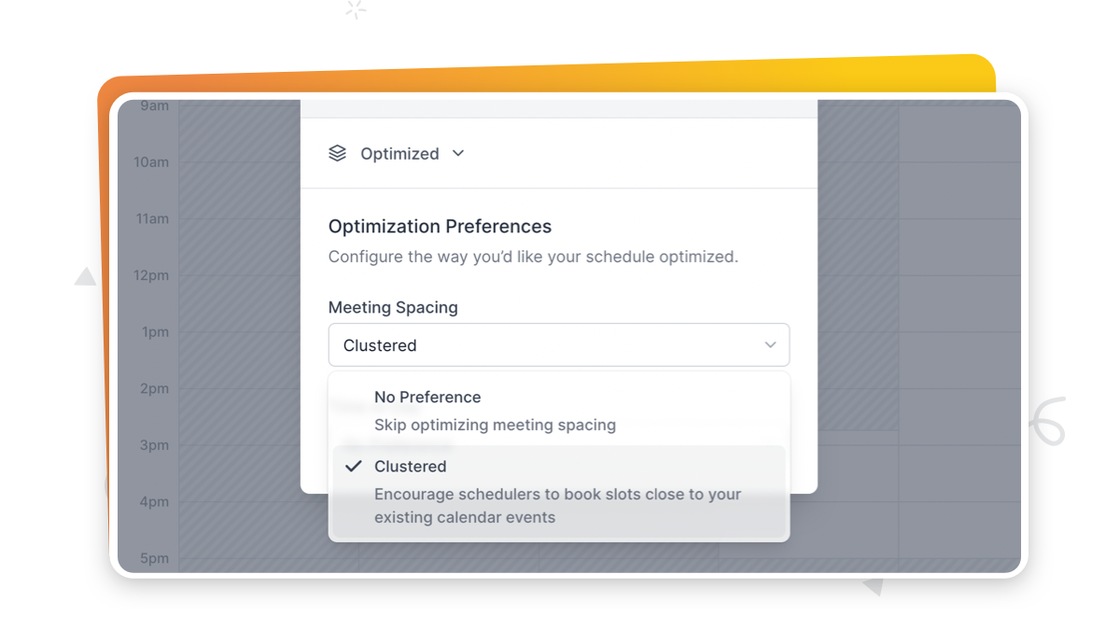
Ever wish your schedule was less fragmented? Optimized Availability can help! To get started, head to one of your scheduling links, click on your Availability in the sidebar, and select "Optimized" mode. From there, you adjust your "Meeting Spacing" and "Time of Day" preferences.
This is just the start! If you have ideas for ways you'd like SavvyCal to help improve the flow of your days, let us know via support@savvycal.com
new feature