
- new feature
Pay-what-you-want scheduling links 💳
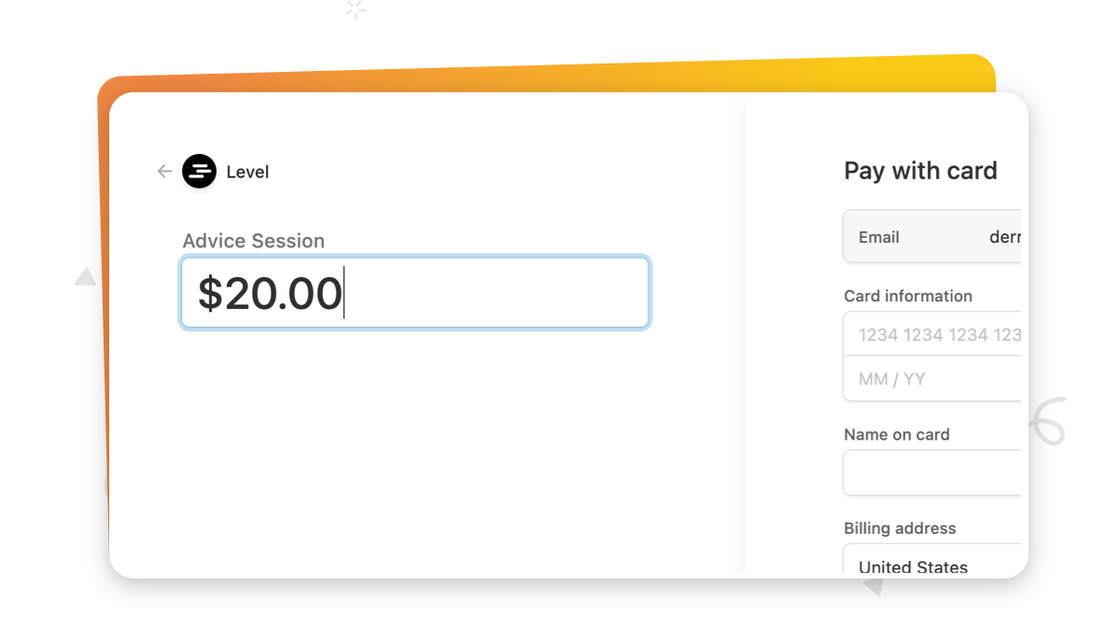
We now support Stripe products that are configured to allow the customer to pay what they want! When you set the pricing model on Stripe product to Customer chooses price, that product will show up as on option in SavvyCal. Schedulers will be prompted at checkout to enter an amount (according to the rules you configure in Stripe).

Founder